


The ultimate tool to edit and work with subtitles
Do you have to translate subtitles? Adjust their synchronization? Change their format? Embed them in a video? All these actions and many more can be performed with Subtitle Workshop, one of the most complete applications that can be found to edit subtitles.
The app you need to create and edit subtitles
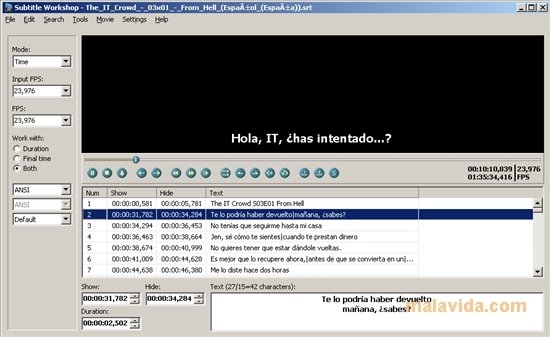
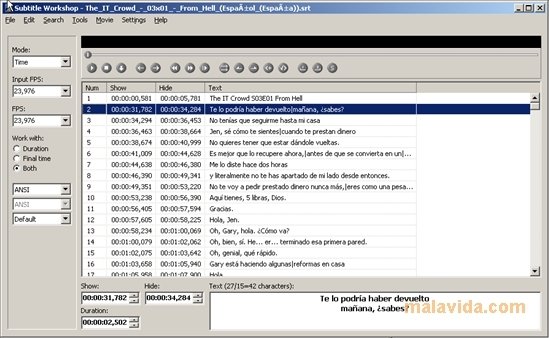
The program has an attractive and sober interface, at the top of which we will be able to view the video and at the bottom the contents of the subtitles, in such a way that it will allow us to observe in real time the changes that we carry out.
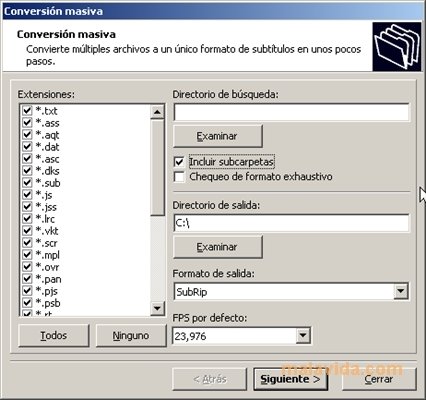
Among the advanced options it allows us to perform automatic checks on subtitle files in search of errors, carry out all kinds of actions with the times and batch subtitle conversion.
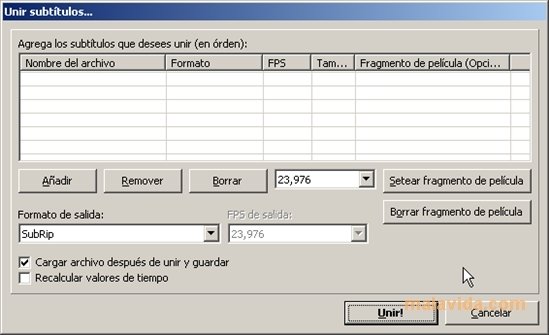
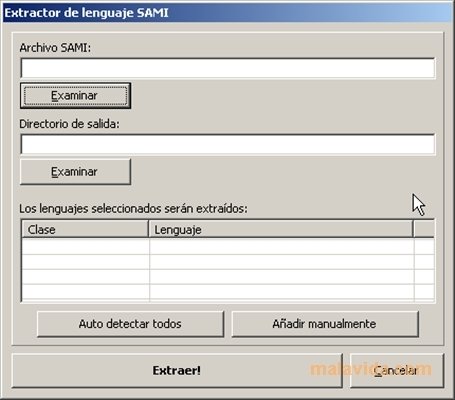
It can also merge several subtitles, add the FPS of an AVI and extract SAMI language. By default it has various scripts written in PASCAL, that can be edited, or we can add more.
It also allows us to perform all sorts of actions with the texts, from changing all the underlined text to capital letters to apply maximum line length to divide them properly.
Different subtitle formats supported
But the most surprising feature is the amount of formats that it supports, that are currently 52. It doesn't matter how weird the format of the subtitle you have to work with is, because Subtitle Workshop will probably read it: Adobe Encore DVD (.txt), Advanced SubStation Alpha (.ass), AQTitle (.aqt), Captions DAT (.dat); DKS Subtitle Format (.dks), Karaoke Lyrics LRC (.lrc), Phoenix Japanimation Society (.pjs) and many more.
Ideal both for inexperienced as well as professional users, that have to work with subtitles, Subtitle Workshop is the ultimate tool to edit subtitles, and it is completely free of charge.
Requirements and additional information:
- This application requires that you have Microsoft DirectX 8 or above installed to show the video preview.
- This download requires a RAR-compatible compressor.
 Elies Guzmán
With a degree in History, and later, in Documentation, I have over a decade of experience testing and writing about apps: reviews, guides, articles, news, tricks, and more. They have been countless, especially on Android, an operating system...

Antony Peel